By PCredCom | Technology & Productivity
Remote work is no longer a passing trend. For millions of Mexicans, the home office has become everyday reality — and with it came one unavoidable question: do I have the right equipment to perform at my best?
Choosing a laptop should not feel like decoding a technical manual. At PCredCom, we have spent years helping professionals, students, and entrepreneurs find the right device. Today we share what you genuinely need to know before making your purchase.
1. Define What You Will Actually Use It For
Before looking at brands or price tags, ask yourself what kind of work you will be doing:
Office work and video calls: If your day involves emails, Excel spreadsheets, PowerPoint presentations, and meetings on Zoom or Teams, you do not need a high-performance machine. A laptop with an Intel Core i5 of the latest generation — or its AMD Ryzen 5 equivalent — paired with 8 GB of RAM and a 256 GB SSD handles all of that comfortably without draining your budget.
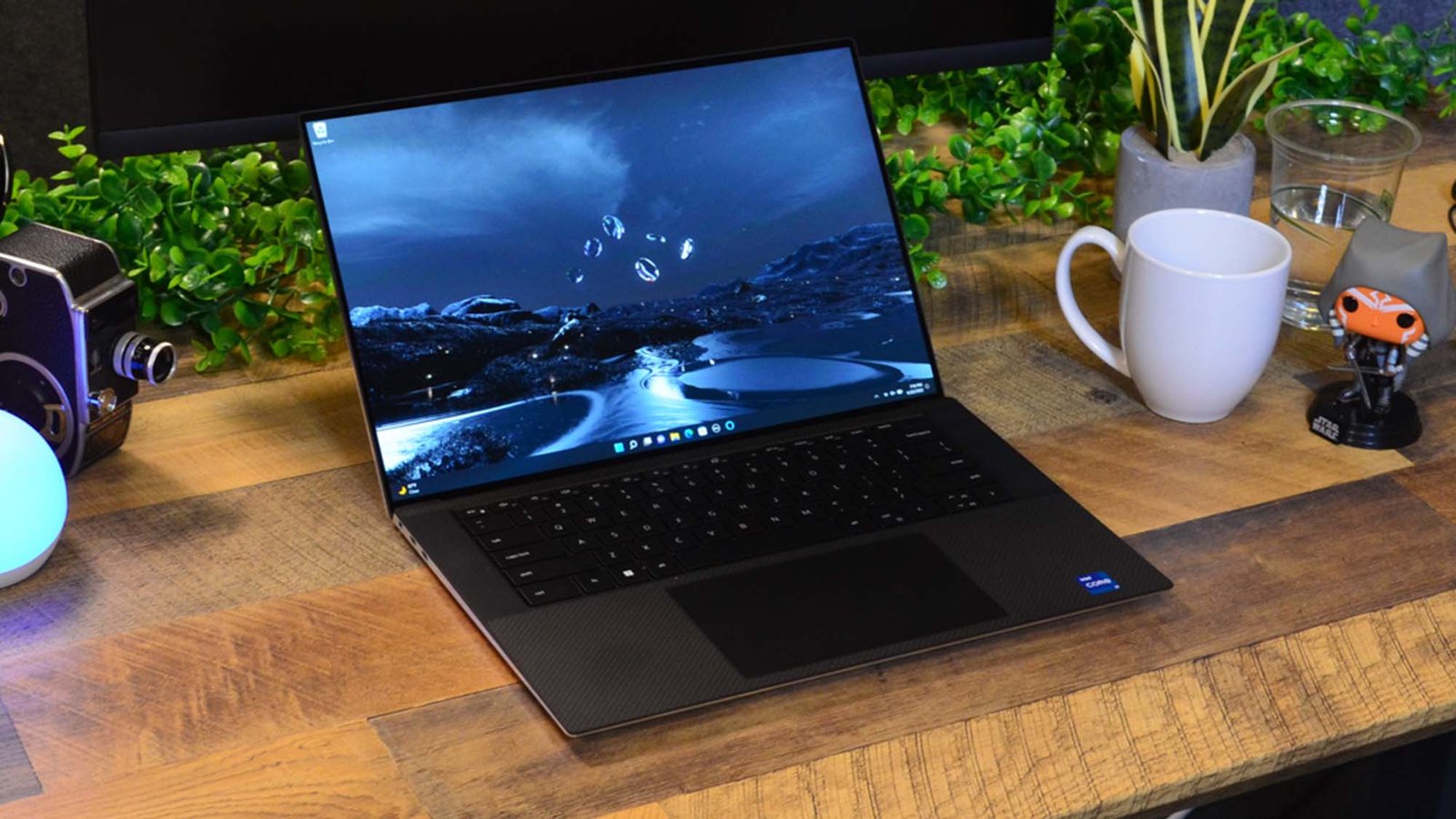
Graphic design, video editing, or architecture: Here the requirements shift. You need at least 16 GB of RAM, a dedicated graphics card, and a more powerful processor. Brands like ASUS ProArt or the Dell XPS series offer displays with high color accuracy, which is essential when your livelihood depends on what you see on screen.
Programming and software development: Developers tend to prioritize processor speed, generous RAM (16 GB as a baseline, ideally 32 GB), and a quality display. A dedicated graphics card is not always necessary, but a machine that does not slow down when you have dozens of tabs and programs open at the same time absolutely is.
2. The Processor Matters — But Not the Way You Think
A lot of people obsess over processor numbers without really understanding what they mean day to day. The straightforward truth: for general use, any modern processor from the Intel Core i5/i7 12th generation onward, or the AMD Ryzen 5000/7000 series, is more than capable.
What actually makes a noticeable difference in daily use is how much RAM you have and whether your storage is an SSD or a traditional hard drive. A laptop with an SSD opens programs in seconds, boots the system in under 30 seconds, and simply feels more responsive. If you come across a cheap laptop with a mechanical hard drive, think twice — even if the processor looks impressive on paper.
3. Battery Life: The Factor Most People Overlook
In Mexico, power outages and long workdays away from an outlet are part of life. A laptop that delivers between six and ten real hours of work gives you tremendous freedom.
Slim ultrabook-style laptops tend to shine here. Models like the Lenovo ThinkPad E-series, HP EliteBook, or ASUS ZenBook offer solid battery life without sacrificing performance. Be cautious with manufacturer specifications though — brands tend to publish optimistic numbers. Look for real-world reviews where the battery is tested under normal working conditions.
4. Connectivity: It Is More Than Just Wi-Fi
Check which ports the laptop comes with before buying. Many modern devices sacrifice standard USB ports in favor of USB-C connectors, which can force you to buy adapters from day one.
For working from home, the ideal setup includes at least:
- 2 standard USB-A ports
- 1 USB-C port (ideally with charging support)
- HDMI output for connecting an external monitor
- An SD card reader if you work with photography or video
If the laptop you like does not cover all of that, a quality USB-C hub solves the problem for well under 500 pesos.
5. Large Screen or Portability?
Laptops in the 13 to 14-inch range are the most comfortable to carry around. But if you mostly work from home and rarely move the machine, a 15 or even 17-inch screen significantly improves your experience — especially when working with spreadsheets, design software, or code.
One detail many buyers miss: screen resolution and finish. A matte display reduces glare and causes far less eye strain during long workdays. If you can choose between matte and glossy, go matte.
6. What Brands Will You Find at PCredCom?
Our catalog carries equipment from the leading brands in the Mexican market: Lenovo, HP, ASUS, Dell, Acer, and MSI, among others. Each brand has its strengths:
- Lenovo ThinkPad: Built to last, with a keyboard that professionals swear by.
- HP EliteBook and Pavilion: A reliable balance of price and performance.
- ASUS VivoBook and ZenBook: Modern design with a competitive price-to-quality ratio.
- Dell Inspiron and XPS: High-quality displays and strong all-around performance.
- Acer Aspire: A solid entry-level option that covers the essentials without compromise.
7. Budget: The Reality of the Mexican Market in 2025
Laptop prices in Mexico vary considerably depending on exchange rates and availability. As a general guide, here are the current ranges:
- $6,000 – $10,000 MXN: Entry-level laptops. Good for basic tasks: browsing, documents, video calls.
- $10,000 – $18,000 MXN: The sweet spot for most users. This range gets you an SSD, 8–16 GB of RAM, and a modern processor.
- $18,000 – $35,000 MXN and above: High-performance machines for design, video production, professional gaming, or intensive development work.
The most expensive option is not always the best one for you. Many users overspend on specs they will never actually use.
Final Thoughts: Buy Smart, Not on Impulse
The ideal laptop is not the most expensive one, nor the one with the most powerful processor on paper. It is the one that fits your actual workflow, lasts long enough on a single charge, has the ports you need, and lands within your budget without straining your finances.
At PCredCom you will find options for every profile and every budget, along with the guidance to make the right call. Because buying technology well means buying it only once.